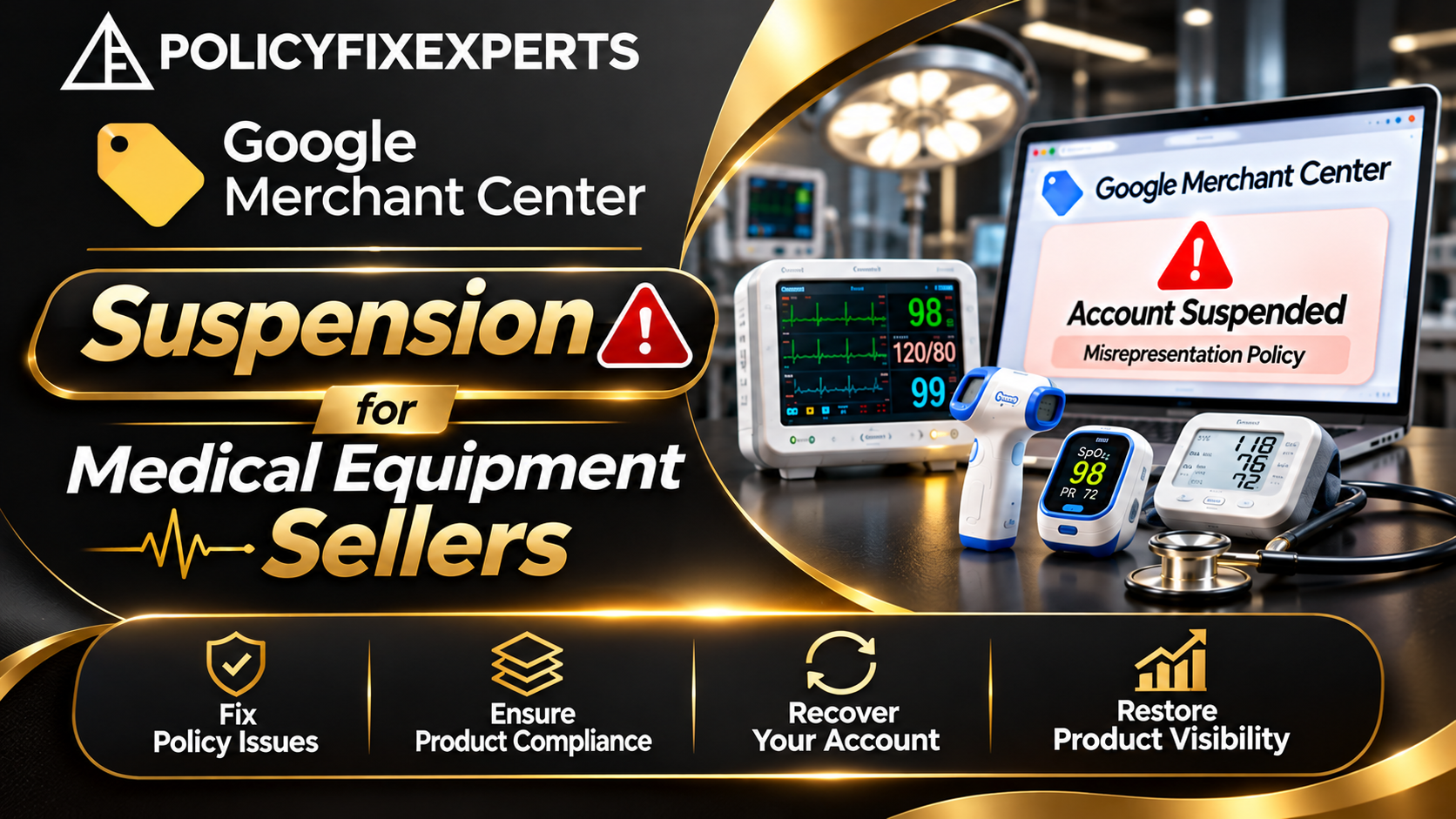
Selling medical equipment online gives manufacturers, distributors, wholesalers, and healthcare suppliers an opportunity to reach hospitals, clinics, laboratories, and individual buyers. Google Merchant Center can help eligible businesses display their products through Google Shopping and other product listing experiences.
However, getting products approved is not always straightforward. A Merchant Center account may receive warnings, product disapprovals, visibility restrictions, or a full suspension if Google identifies problems with business information, product descriptions, website transparency, or policy compliance.
For medical equipment sellers in India, these issues deserve particular attention. A product listing must accurately describe the item, the seller must provide genuine business information, and applicable medical device requirements must be considered.
This guide explains why Google Merchant Center suspensions happen, what medical equipment sellers should check, and how to approach account reinstatement without making the problem worse.
1. Why Does Google Merchant Center Suspend Medical Equipment Sellers?
Google expects merchants to provide accurate product information and a trustworthy shopping experience. Its Misrepresentation policy covers misleading information about businesses, products, offers, and purchase conditions.
For medical equipment sellers, several issues can create compliance concerns.
Incomplete or misleading business information
Your website should clearly explain who operates the business and how customers can contact the seller.
Potential problems include:
A missing or unclear business name.
Incorrect contact details or business address.
No meaningful About Us information.
Inconsistent company details across the website and Merchant Center.
Unclear relationships with manufacturers or distributors.
Claims of authorised dealership without supporting evidence.
For example, imagine a medical equipment supplier whose website uses one company name while its Merchant Center account displays another. If the relationship between the two businesses is not explained, Google may have difficulty verifying the merchant's identity.
Misleading medical equipment descriptions
Product information must reflect what the equipment actually does.
Avoid unsupported statements such as:
Guaranteed diagnosis of every medical condition.
100% accuracy without appropriate evidence.
Guaranteed patient recovery.
Claims of government approval without supporting documentation.
Unverified comparisons with competing equipment.
A pulse oximeter listing, for example, should describe its actual specifications and intended use instead of promising that it can diagnose every respiratory condition.
Unclear pricing, delivery and return information
Customers should understand the complete purchase conditions before placing an order.
Check whether your website clearly displays:
Product prices and applicable charges.
Shipping costs and delivery conditions.
Stock availability.
Return and refund terms.
Payment methods.
Warranty information, where applicable.
A product advertised as available should actually be available for purchase and fulfilment.
2. Medical Equipment and Google Merchant Center Policy Requirements in India
Medical equipment is a broad category. A hospital bed, diagnostic machine, surgical instrument, and prescription medicine do not necessarily have the same advertising requirements.
Before uploading products, identify exactly what your business sells.
Understand the product category
Medical equipment sellers commonly list products such as:
Diagnostic equipment: ECG machines, ultrasound equipment
Patient monitoring: Pulse oximeters, patient monitors
Hospital equipment: Medical beds, examination tables
Laboratory equipment: Analysers, testing instruments
Surgical instruments: Medical scissors, surgical tools
Rehabilitation products: Mobility aids, physiotherapy equipment
Review the applicable Google Shopping policies for the actual products in your catalogue. Do not assume that every medical-related product is automatically prohibited or automatically eligible.
Check applicable Indian medical device requirements
In India, the Medical Devices Rules, 2017, and requirements administered by the Central Drugs Standard Control Organisation (CDSCO) may apply depending on the device, its classification, and the business activity.
A manufacturer, importer, distributor, and retailer may have different obligations.
Depending on the products and your role, maintain relevant documentation such as:
Manufacturer and supplier details.
Applicable licences or registration information.
Product classification and specifications.
Authorised distribution documentation, where relevant.
Import-related documents, where applicable.
Product instructions and technical datasheets.
These documents can help establish that your products and business activities are genuine. However, having documents does not automatically guarantee Merchant Center approval.
Review healthcare-related restrictions
Google has separate policies for healthcare and medicines. Certain medicines, healthcare services, and related products face restrictions that can vary by product and target country.
If your medical equipment website also sells medicines, supplements, or other healthcare products, review those policies separately. Do not assume that the eligibility of your equipment catalogue automatically makes every other product eligible.
3. How to Identify the Reason for a Merchant Center Suspension
Before making changes, find out whether Google has restricted individual products or suspended the entire account.
These are different situations and may require different actions.
Step 1: Check the Merchant Center notification
Sign in to Google Merchant Center and review the account notifications.
Look for:
The exact issue or policy name.
Whether the issue affects products or the entire account.
The date of the notification.
Any deadline or review instructions.
Links to the affected products or policy information.
Also check the email address associated with the account.
Step 2: Review product data
Examine your product feed or uploaded catalogue.
Check the following fields:
Product title.
Description.
Price.
Availability.
Brand.
GTIN or other applicable product identifiers.
Product image.
Landing page URL.
For example, if your feed shows a medical monitor as available but the website displays it as out of stock, the inconsistency should be corrected.
Step 3: Compare your website with Merchant Center
Open the actual product landing pages and compare them with the submitted product data.
Make sure the product name, price, availability, specifications, and purchase conditions are consistent.
Also check whether the website clearly identifies the business selling the products.
4. Step-by-Step Google Merchant Center Suspension Recovery
Once you identify the issue, prepare a structured correction process. Avoid changing unrelated website sections or submitting an appeal before investigating the problem.
Step 1: Audit your business information
Review your:
Business name and address.
Contact number and email.
About Us page.
Customer support information.
Business ownership details.
Manufacturer and distributor relationships.
Ensure the information is genuine and consistent with your business records.
Step 2: Improve important website pages
A medical equipment store should provide enough information for customers to understand the seller and purchase conditions.
Review these pages:
About Us: Genuine company background and business activity
Contact Us: Working phone number, email and address
Privacy Policy: Clear explanation of data handling
Terms and Conditions: Purchase and service terms
Shipping Policy: Delivery charges and conditions
Return and Refund Policy: Clear return eligibility and process
Product Pages: Accurate specifications, prices and availability
Do not add policy pages merely to make the website appear compliant. Their information must reflect your actual business practices.
Step 3: Correct product feed issues
Review every affected listing.
For each product:
Confirm that the product is genuinely available.
Match the feed price with the landing page.
Use an accurate product title.
Remove unsupported medical claims.
Provide relevant specifications.
Use appropriate product images.
Check that the landing page works correctly.
If you sell branded medical equipment, describe the product accurately and do not imply that your business is an authorised partner unless that relationship is genuine.
Step 4: Check applicable documents and product eligibility
Confirm that your business has the documentation required for its products and activities under applicable Indian regulations.
If Google requests verification, submit accurate and readable documents through the requested process.
Do not edit, fabricate, or submit documents that misrepresent your business.
Step 5: Request a review or appeal
After completing the corrections, follow the review or appeal option available in Merchant Center.
Your explanation should clearly state:
What your business sells.
Which issue was identified.
What you discovered during the audit.
What corrections you completed.
Which supporting documents are available.
Why you believe the account or products should be reviewed again.
Be factual and specific. Avoid generic messages that simply ask Google to reactivate the account.
Step 6: Monitor the review outcome
Check Merchant Center and your registered email for updates.
Google's review process can take time, and complex cases may require additional information. Do not assume that submitting an appeal means the account will automatically be reinstated.
5. When Should You Consider Medical Supplies Merchant Account Reinstatement Support?
Some merchants can resolve straightforward product data issues themselves. More complicated cases may involve business identity concerns, repeated policy issues, product eligibility questions, or unclear suspension notifications.
In these situations, a specialist providing Medical Supplies Merchant Account Reinstatement support may help organise the investigation and correction process.
Depending on the agreed service, assistance may include:
Merchant Center suspension analysis.
Business information and website audits.
Product feed and landing page reviews.
Medical equipment policy checks.
Documentation and verification guidance.
Appeal preparation.
Follow-up guidance after Google's response.
How to choose a reliable service provider
Before hiring an agency or consultant, ask:
Have they handled Merchant Center cases involving medical equipment?
Can they explain the actual policy issue?
Will they review both the website and product feed?
Are their deliverables and fees clearly explained?
Do they avoid promises of guaranteed reinstatement?
Be cautious of anyone claiming special access to Google's internal review team or promising guaranteed account recovery. Google makes the final decision.
6. Common Mistakes Medical Equipment Sellers Should Avoid
A rushed recovery attempt can leave the original issue unresolved.
Creating another Merchant Center account: Opening a new account to bypass an existing suspension is not a reliable solution. Google advises merchants not to delete a suspended account and create another one to avoid the restriction.
Removing only the affected product: If the underlying problem concerns business identity or website transparency, removing one product may not address the account-level issue.
Ignoring the product feed: Correcting website content without updating inaccurate prices, availability, or product descriptions can leave inconsistencies.
Submitting repeated appeals: Sending the same explanation without making meaningful corrections does not improve the quality of the review.
Making unsupported medical claims: Product descriptions should be based on genuine specifications and appropriate supporting information.
Using incomplete business details: Make sure the website and account provide accurate information about the seller, fulfilment arrangements, and customer support.
A documented audit helps you understand what was corrected and what still needs attention.
Frequently Asked Questions
1. Why is my Google Merchant Center account suspended for medical equipment?
Possible reasons include misleading business information, inaccurate product descriptions, missing purchase conditions, unavailable offers, or healthcare-related policy issues. Check the exact notification in Merchant Center to identify the problem.
2. Can medical equipment sellers in India use Google Merchant Center?
Eligible medical equipment sellers can use Merchant Center if their products, business practices, product listings, and website comply with applicable Google policies and Indian regulations. Eligibility depends on the actual products and business activities.
3. How do I fix a Google Merchant Center misrepresentation issue?
Review your business identity, contact details, product descriptions, pricing, delivery information, return policies, and product feed. Correct the identified issues before requesting a review.
4. How long does Merchant Center account reinstatement take?
Review times vary depending on the issue and case complexity. Check the instructions displayed in your account and allow time for Google's review. Additional information may be requested.
5. Can a specialist guarantee Medical Supplies Merchant Account Reinstatement?
No. A specialist can help investigate policy issues, improve website and product data compliance, and prepare an appeal. Google retains control over the final reinstatement decision.
Conclusion
A Google Merchant Center suspension can interrupt product visibility and affect enquiries for medical equipment manufacturers, distributors, and suppliers in India.
The best starting point is to identify the exact issue rather than immediately submitting another appeal. Review your business information, website pages, product feed, healthcare-related requirements, and applicable medical device documentation.
Correct the underlying problems, keep supporting information ready, and request a review through the official Merchant Center process.
If your medical supplies business needs help understanding a suspension, Policy Fix Experts can assist with reviewing the website, identifying potential compliance gaps, and organising the next steps for an appeal.
Contact Policy Fix Experts to discuss your Merchant Center suspension and possible reinstatement steps.
Related Google Ads resources
- Google Merchant Center Misrepresentation Fix for Appliance Products
- Google Ads Suspension Recovery Consultant